 TRACER
Understand your baseline
The Industrial Technology Transformation Index (ITTI) assesses a factory’s digital maturity. Use the official programme to explore the assessment process and identify priorities.
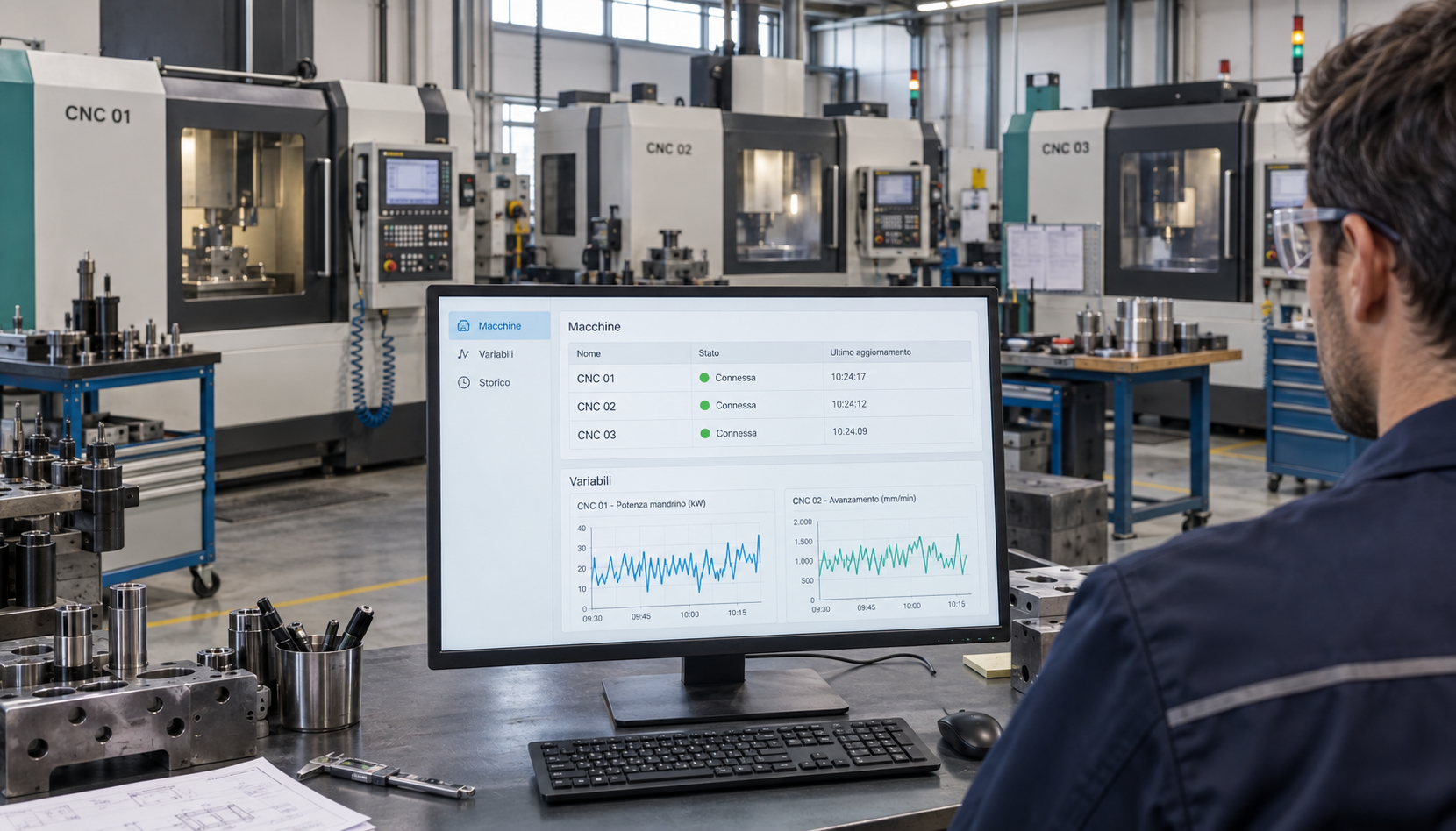
Monitor industrial machines of any type in Dubai and the UAE: presses, packaging machines, pumps, compressors, robots and CNC machines are examples. Tracer collects data on Windows and displays it online when your equipment exposes data through a supported protocol.
The MoIAT initiative brings together industrial technology transformation programmes. It connects manufacturers with assessments, expertise and financing pathways. Tracer provides machine monitoring that you can evaluate as part of your own digitalisation project.
The Industrial Technology Transformation Index (ITTI) assesses a factory’s digital maturity. Use the official programme to explore the assessment process and identify priorities.
Choose compatible machines and variables. Use Tracer to collect readings and review trends with your production team before deciding on a wider rollout.
The official platform mentions potential ICV bonuses and financing support. Eligibility, terms and approval must be checked with the programme and relevant providers.
Tracer is an independent software product. Buying it does not confer ITTI certification, programme approval or entitlement to incentives. No MoIAT affiliation or approved-provider status is claimed.
Explore the official MoIAT programme ↗Programme information checked: 29 September 2026.
Planning a factory monitoring project in Dubai, Abu Dhabi, Sharjah or another emirate? Start by identifying the data your controllers expose. Tracer connects to compatible equipment through OPC UA, FANUC FOCAS, MQTT, MTConnect, Modbus TCP, Siemens S7 and EtherNet/IP.
A Windows application collects selected readings from the shop-floor network. Your private web area provides charts and historical readings for reviewing machine behaviour. Protocol availability and configuration depend on each machine; share your controller list to discuss a suitable pilot.
Check machine compatibility ↗From individual machines to equipment and production lines: data availability matters, not the machine category. Select the variables to follow and review charts and historical readings.
Read machine status, programs, counters and variables available on the control. You choose what to monitor.
Select the variables to keep under control and view their trend over time in clear charts, ready to share.
Customers see their own machines. Assessors view their assigned companies. All through a private account.
Screenshots from Windows version 5.0.8: variables, MQTT connections and MTConnect, Modbus TCP, Siemens S7, EtherNet/IP agents.
Choose a machine, inspect available values and select the variables to monitor.
View trends for selected variables, choose the reading interval and pause monitoring.
Set up the broker, TLS, credentials and topic filter. Read simple values and JSON fields.
Connect an HTTP/HTTPS agent, browse DataItems and set the current-value polling interval.
Coils and registers · FC01–04 · map and byte order. The new protocols require a register, address or tag map. No write commands.
Absolute DB/I/Q/M addresses · classic S7 access. The new protocols require a register, address or tag map. No write commands.
Logix tags and CIP attributes · explicit reads. The new protocols require a register, address or tag map. No write commands.
Demonstration screenshots of the Windows application. The CNC machines shown are examples: Tracer also monitors other compatible industrial equipment. Available data depends on the machine and configured source.
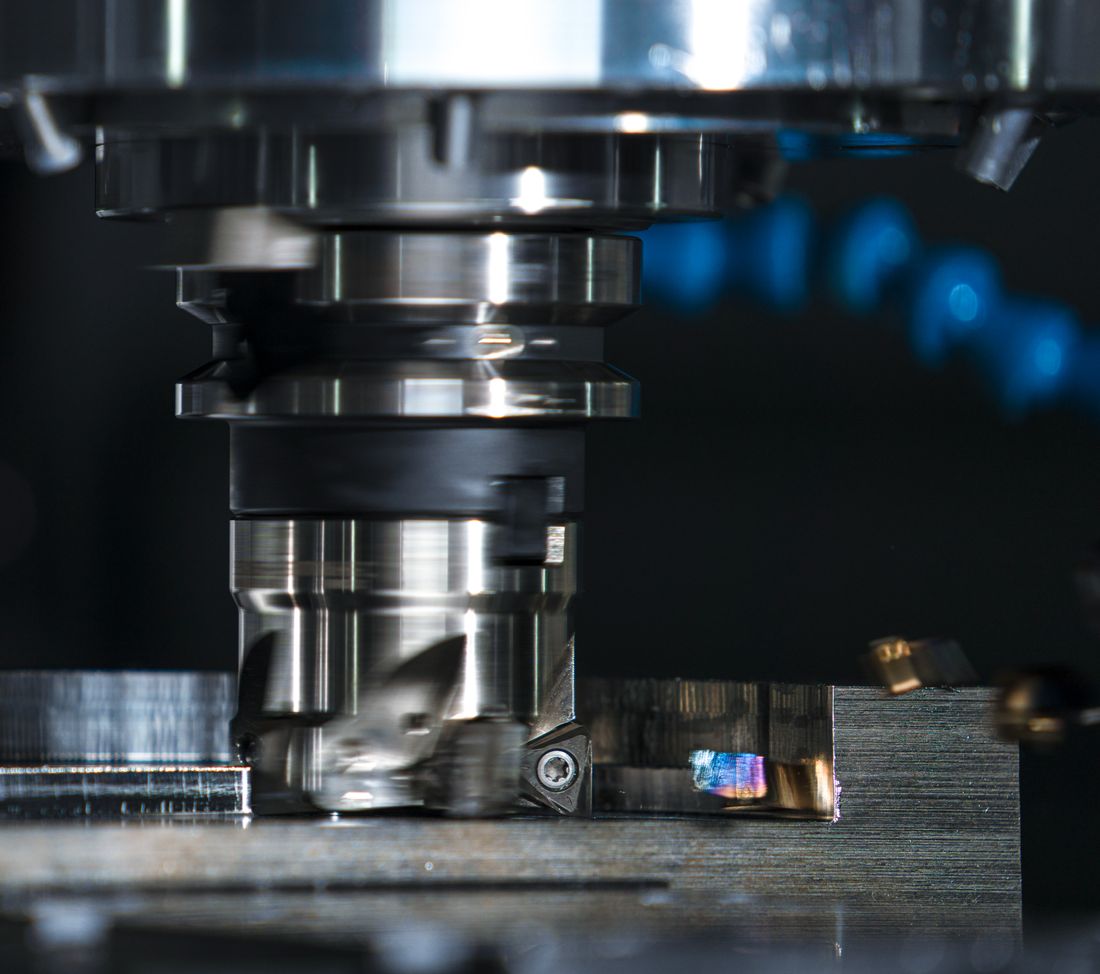
Tracer connects to the shop-floor network and reads variables from compatible controls. The Windows software collects data; the web portal makes it accessible.
Compatibility depends on the control and protocols enabled on the machine. Let's check it together.
The new protocols require a register, address or tag map. No write commands.
Modbus, S7 and EtherNet/IP guide (Italian)Install Tracer on Windows. Scan for OPC UA and FANUC or manually configure the other protocols.
Choose which production, operating or energy consumption variables to monitor for each machine.
Sign in to view machines, charts and historical readings, even away from the shop floor.
Tell us your controllers, enabled protocols and the data you need. We will discuss compatibility and the requirements for a pilot.
Start with up to three machines on Basic. Check the available variables, connection quality and usefulness of the charts with your team.
Agree the machines, configuration, support and integration scope for a Professional proposal. Evaluate programme eligibility separately with the relevant organisations.
Basic lets you start with up to three machines. Professional pricing below is in EUR. Request a proposal for your UAE project; currency, applicable taxes, deployment and support scope will be confirmed in the quote.
Up to 3 machines. No expiry.
24-month commitment — paid in advance
At renewal you keep the same price, if you confirm the biennial commitment again. The list price always remains €500+VAT/year per machine.
Tracer is not limited to CNC machines. It can monitor industrial equipment of any category, including presses, packaging machines, pumps, compressors and robots, when data is exposed through OPC UA, FANUC FOCAS, MQTT, MTConnect, Modbus TCP, Siemens S7 or EtherNet/IP. Compatibility depends on enabled interfaces and accessible data; check your equipment with us.
Install Tracer on a Windows PC connected to your factory network. Configure compatible machines and the variables to read. Selected readings are sent to the web portal, where authorised users can view charts and history. Review network and connectivity requirements when defining the project.
The Basic licence is free, has no expiry and supports up to three machines. Use it to validate available readings and charts. For more machines, discuss a Professional proposal covering configuration, support and integration requirements.
Purchasing Tracer does not establish eligibility for Factory Forward UAE incentives or grant ITTI certification. Tracer is independent software for collecting and reviewing machine data. Check programme requirements and any available support with MoIAT and the relevant providers.
The published plans are priced in EUR. For your UAE project, request a quote to confirm currency, applicable taxes, deployment and support scope before ordering.
Tracer’s core offer is machine connectivity, selected-variable monitoring, charts and reading history. Requirements such as production scheduling, automated OEE calculation or ERP integration must be discussed separately; they are not implied by machine monitoring alone.
Send your company name, emirate, machine count, controllers and preferred demo time in Gulf Standard Time (UTC+4). We will use these details to discuss compatibility and a pilot scope.
Opens your email application with a project checklist. Nothing is sent automatically.
Emailhelpdesk@microbusinessapplications.it ↗