 TRACER
Data, at the source.
Read machine status, programs, counters and variables available on the control. You choose what to monitor.
Monitor machines with OPC UA, FANUC FOCAS, MQTT, MTConnect, Modbus TCP, Siemens S7 and EtherNet/IP. Tracer collects data on Windows and displays charts and history in a private web portal.
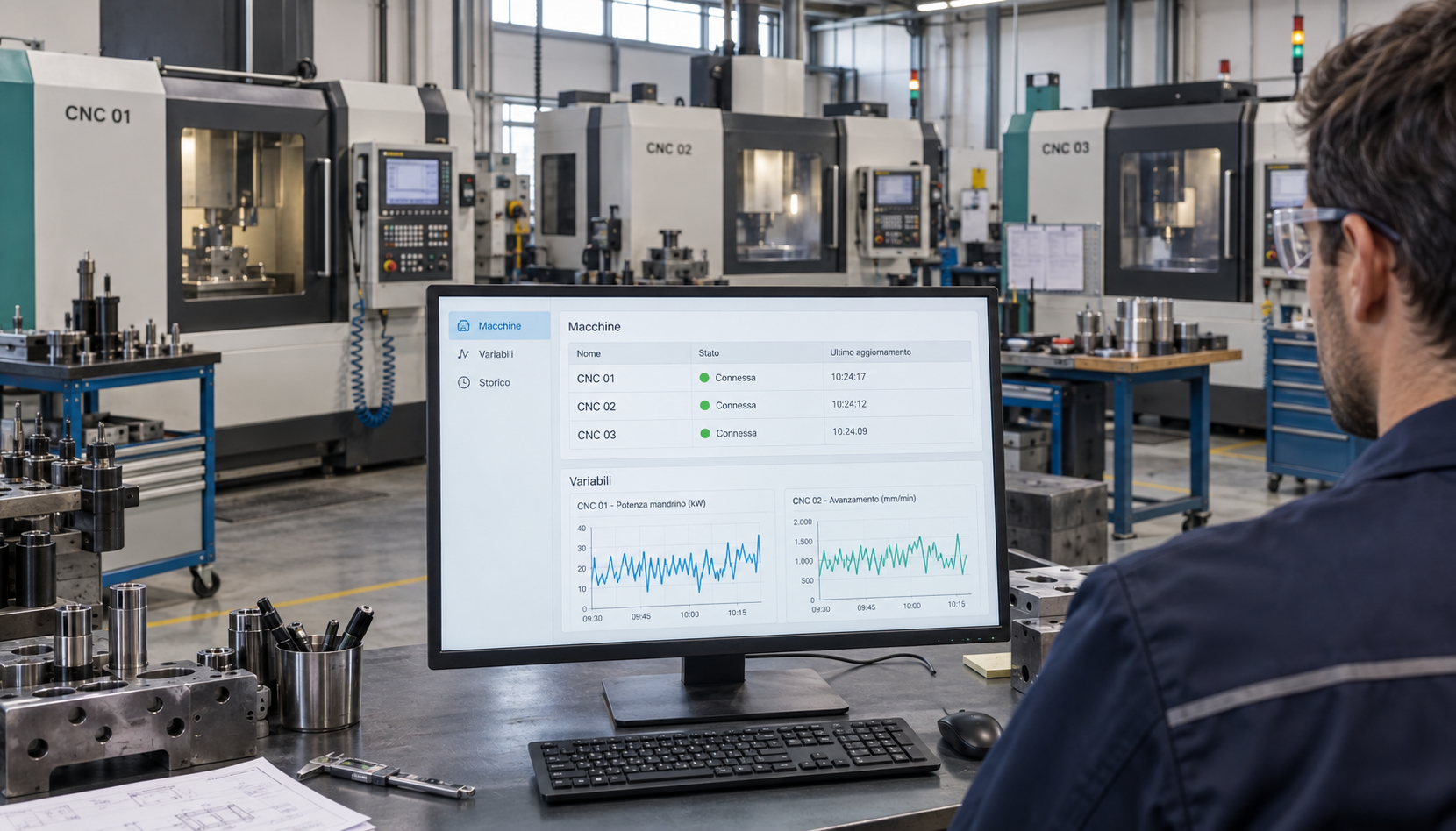
From a machine reading to a chart in your browser. Follow what matters without losing the context.
Read machine status, programs, counters and variables available on the control. You choose what to monitor.
Select the variables to keep under control and view their trend over time in clear charts, ready to share.
Customers see their own machines. Assessors view their assigned companies. All through a private account.
Screenshots from Windows version 5.0.8: variables, MQTT connections and MTConnect, Modbus TCP, Siemens S7, EtherNet/IP agents.
Choose a machine, inspect available values and select the variables to monitor.
View trends for selected variables, choose the reading interval and pause monitoring.
Set up the broker, TLS, credentials and topic filter. Read simple values and JSON fields.
Connect an HTTP/HTTPS agent, browse DataItems and set the current-value polling interval.
Coils and registers · FC01–04 · map and byte order. The new protocols require a register, address or tag map. No write commands.
Absolute DB/I/Q/M addresses · classic S7 access. The new protocols require a register, address or tag map. No write commands.
Logix tags and CIP attributes · explicit reads. The new protocols require a register, address or tag map. No write commands.
Screenshots of WPF application 5.0.8 with demonstration data. Available data depends on the machine and configured source.
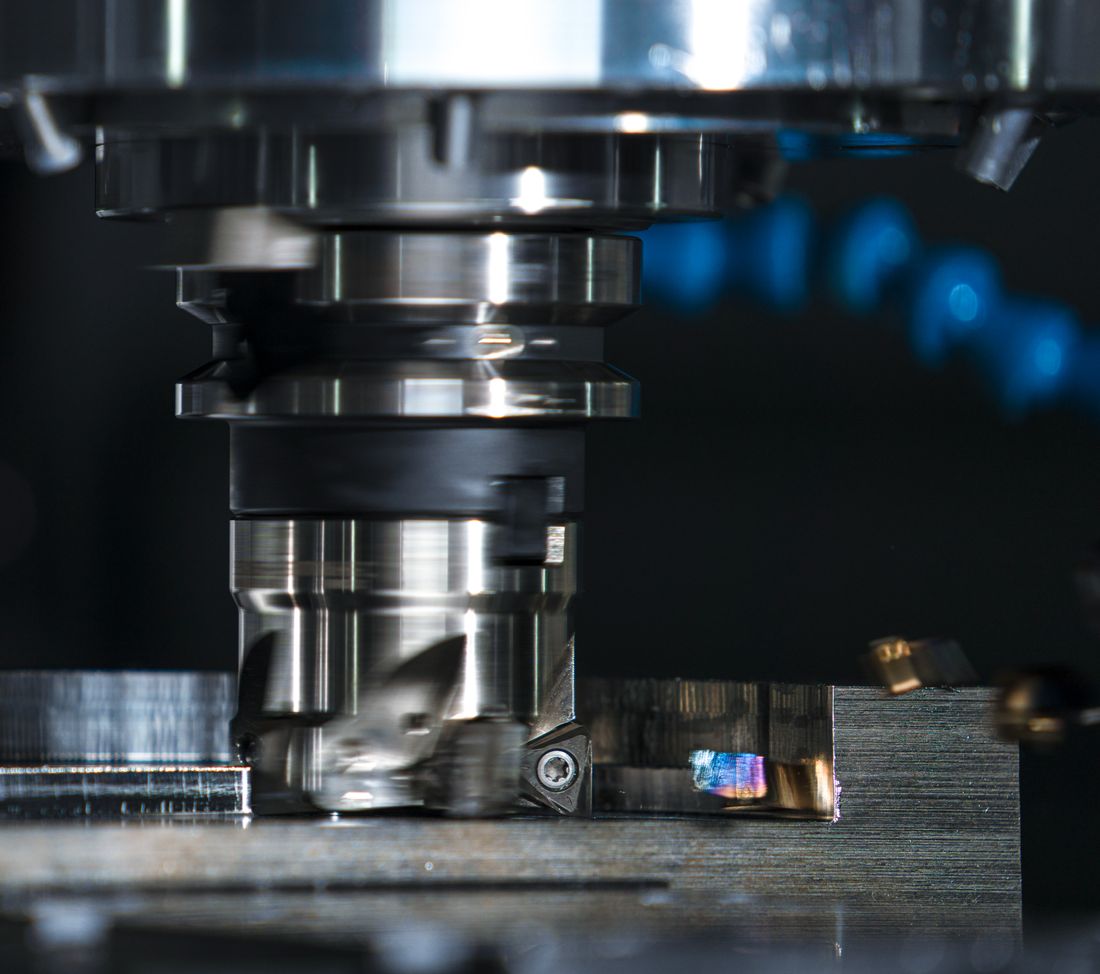
Tracer connects to the shop-floor network and reads variables from compatible controls. The Windows software collects data; the web portal makes it accessible.
Compatibility depends on the control and protocols enabled on the machine. Let's check it together.
The new protocols require a register, address or tag map. No write commands.
Modbus, S7 and EtherNet/IP guide (Italian)Install Tracer on Windows. Scan for OPC UA and FANUC or manually configure the other protocols.
Choose which production, operating or energy consumption variables to monitor for each machine.
Sign in to view machines, charts and historical readings, even away from the shop floor.
Start with your first machines. For a larger project, let's discuss setup, support and integrations.
Up to 3 machines. No expiry.
24-month commitment — paid in advance
At renewal you keep the same price, if you confirm the biennial commitment again. The list price always remains €500+VAT/year per machine.
Tracer supports OPC UA, FANUC FOCAS, MQTT, MTConnect, Modbus TCP, Siemens S7 and EtherNet/IP. Configure a broker and topics for MQTT, or an agent URL for MTConnect. Available data depends on the machine and source. Contact us to check compatibility.
The Windows application connects to machines on the shop-floor network. Choose the variables and upload interval, then access charts and historical readings in your private web area.
Yes. The Basic licence is free, has no expiry date and lets you start with up to 3 machines. The Professional plan is available for larger projects.
Tell us which controls you use and what you want to monitor. That's where we start.